

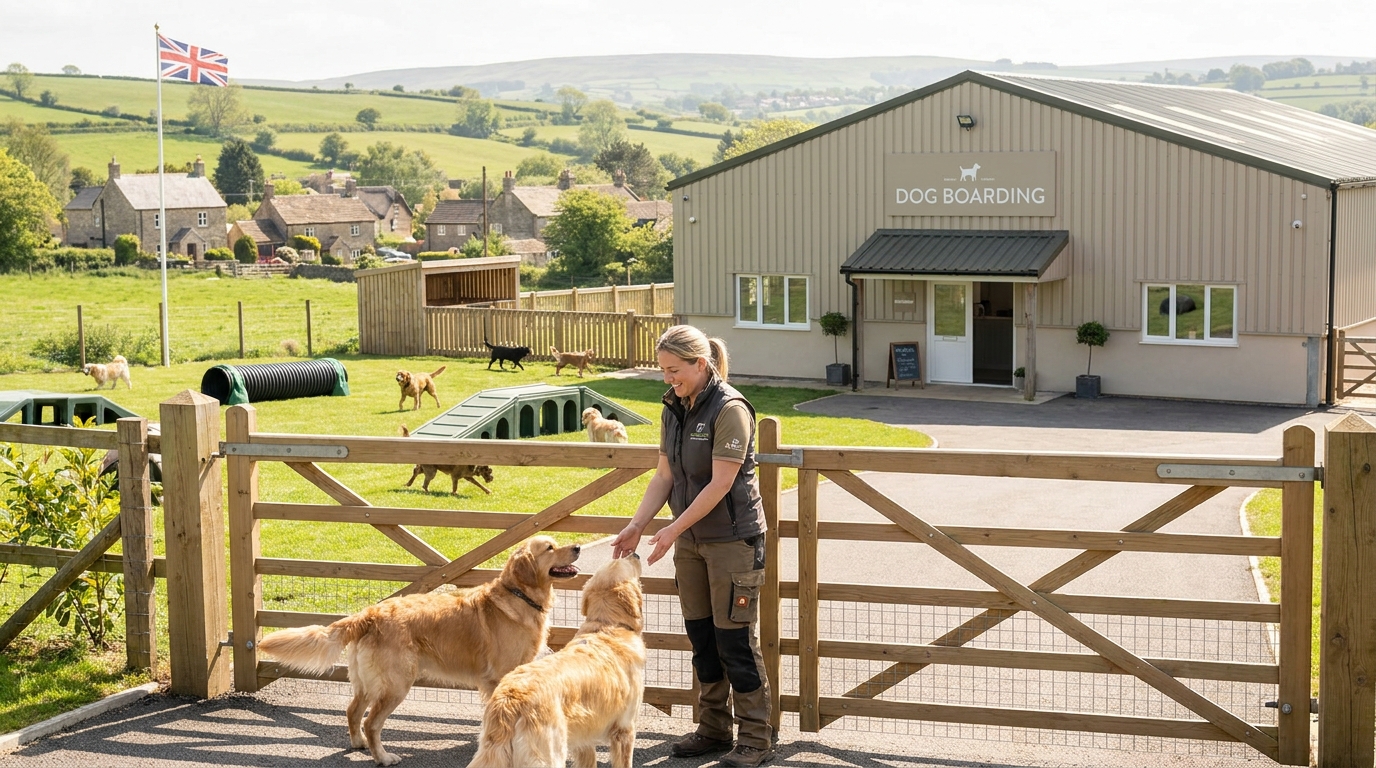

A dog daycare may have space available in one play room while another is already full. Without separate capacity limits, staff could turn away suitable customers or accept more dogs than they can safely accommodate.
Different staffing requirements, dog compatibility and overlapping bookings make managing availability more complicated.
The solution is to set capacity limits for each room or session, match availability to staffing and ensure bookings account for the full time each dog attends.
Follow these six practical steps to prevent overbooking while making better use of your available daycare spaces.
If a staffing change lowers your limit after customers have already booked, follow our guide to reducing daycare capacity with existing bookings.
1. Set a Safe Capacity for Each Daycare Service
Start by establishing how many dogs your business can safely accommodate during each session.
Consider:
- Licensed capacity: The maximum number of dogs permitted under your premises licence.
- Available space: Suitable areas for play, rest and other activities.
- Staffing: Enough competent staff to supervise attending dogs.
- Dog compatibility: Whether dogs can safely share a space.
- Individual needs: Dogs requiring additional supervision or separation.
In England, statutory dog daycare licensing guidance states that each dog must have at least 6 square metres of available space and that each staff member should care for no more than 10 dogs.
These figures do not automatically determine your safe capacity. Individual welfare needs, staff competence, premises layout and licence conditions may require stricter limits. Other UK nations have their own applicable requirements.
Calculate Your Effective Booking Capacity
Your bookable capacity is determined by the lowest applicable limit.
Capacity restriction | Maximum dogs |
Room’s safe capacity | 8 |
Available staffing supports | 6 |
Compatible group capacity | 5 |
Effective bookable capacity | 5 |
Although the room can physically accommodate eight dogs, only five places should be offered under these conditions.
Room-level limits must also remain within the overall licensed capacity of the premises.
How TailPro helps: TailPro allows businesses to configure maximum capacity per session and per staff member when creating a service. Its daycare functionality also supports capacity limits for rooms or sessions.
What to do: Set capacity according to the lowest safe operating limit, rather than the maximum number of dogs that could physically fit.
2. Manage Multiple Play Rooms Separately
Using one overall capacity figure can hide available spaces or increase overbooking risks.
Consider a daycare with two play rooms:
Play room | Capacity | Booked | Available |
Room A | 8 | 8 | 0 |
Room B | 6 | 4 | 2 |
Total | 14 | 12 | 2 |
Room A is full, but Room B still has two places available.
Separate room capacities allow suitable bookings to continue in Room B without exceeding Room A’s limit.
For each room, establish its maximum capacity, suitable dog groups, assigned staff, session times and temporary restrictions.
Before accepting a dog into the remaining space, check its temperament, care needs and compatibility with the group already attending.
How TailPro helps: TailPro’s daycare management features support room or session capacity limits, helping businesses control the number of bookable places in each configured area.
What to do: Manage rooms or compatible groups separately while checking that their combined occupancy remains within the premises-wide limit.
3. Match Booking Capacity to Staff Availability
Physical space does not guarantee that another dog can be accepted.
A room may accommodate eight dogs, but if available staffing can safely supervise only six, its bookable capacity must be reduced.
Before opening sessions, check:
- Working hours: Are sufficient staff scheduled?
- Competence: Can staff safely supervise the attending dogs?
- Absences: Are holidays, breaks and sickness accounted for?
- Other duties: Are staff occupied with feeding, cleaning or individual care?
- Assignments: Are staff already responsible for another group?
When Staffing Changes After Booking
If an unexpected absence reduces safe capacity:
- Recalculate capacity for affected sessions.
- Compare revised limits with confirmed bookings.
- Arrange suitable staff cover where possible.
- Contact affected customers about alternative arrangements if necessary.
- Reduce or close further booking availability.
How TailPro helps: TailPro provides a Staff Availability Calendar, leave management and booking assignments. Managers can review staff schedules alongside service capacity settings and update availability when operating conditions change.
Blocking a staff member’s availability does not remove the manager’s responsibility to reassess room supervision and existing bookings.
What to do: Review staffing alongside room capacity and reassess confirmed bookings whenever safe supervision levels change.
4. Set Accurate Daycare Time Slots
Daycare businesses may offer full-day bookings, half-day sessions or fixed arrival and collection periods.
Each booking must occupy capacity throughout the dog’s attendance.
Session | Operating time | Capacity requirement |
Morning | 8 am–12 pm | Morning availability |
Afternoon | 1 pm–5 pm | Afternoon availability |
Full day | 8 am–5 pm | Both periods and the time between |
A full-day booking uses capacity in both sessions and during the period between them.
If a room has three places available in the morning but only one in the afternoon, only one additional full-day booking can be accepted.
When configuring sessions, define start and end times, assign appropriate capacity limits and account for overlapping bookings, cleaning periods and collection delays.
How TailPro helps: TailPro supports fixed time slots and flexible booking methods. Businesses can create reusable time slots, link them to services and configure capacity settings.
In TailPro, navigate to Settings → Manage Services & Time Slots to create time slots and configure daycare services.
When offering full-day and half-day services, check that the configured availability accounts for overlapping attendance across the same physical space.
What to do: Ensure every booking uses capacity across its entire attendance period, not just its starting time.
5. Understand Capacity Limits and Booking Windows
Capacity limits and booking windows control different aspects of scheduling.
Setting | What it controls | Example |
Capacity limit | How many dogs can attend | Eight dogs per room |
Booking window | How far ahead customers can book | Up to six weeks |
Booking cut-off | Latest permitted booking time | 6 pm the previous day |
Staff availability | Whether staff can deliver the service | Reduced capacity during absence |
A six-week booking window does not guarantee availability throughout those six weeks.
Likewise, two remaining room spaces cannot be offered if staffing or compatibility requirements are not met.
Capacity limits determine how many bookings you can accept. Booking windows determine when customers can make them.
How TailPro helps: TailPro’s service configuration includes capacity controls, advance booking limits, eligibility settings and availability rules.
Managers can also use availability rules to block dates when services cannot be offered.
What to do: Configure capacity limits and advance booking rules separately, then check that each service is available only when it can be delivered safely.
6. Keep Booking Availability Updated in Real Time
Manual diary checks become unreliable when customers book, cancel or rearrange daycare sessions throughout the day.
A shared booking system should update available places whenever reservations change.
For example, if Room B has six places and five are booked, one remains. Once the final place is confirmed, additional bookings for that room and session should stop.
Cancelled places can become available again when staffing, compatibility and booking cut-off requirements allow.
To maintain accurate availability:
- Record confirmed bookings immediately.
- Review pending requests before approval.
- Update cancellations and rescheduled appointments.
- Adjust room limits when operating conditions change.
- Keep staff availability current.
- Account for overlapping and extended sessions.
How TailPro helps: TailPro Smart Booking uses live availability, capacity limits and service rules to manage bookable slots.
Its booking workflow also supports reviewing requests and assigning staff, helping managers keep daily schedules organised.
What to do: Use live booking availability instead of relying on repeated manual diary checks, while continuing to review welfare and staffing requirements before accepting dogs.
How TailPro Helps Manage Dog Daycare Capacity
Managing several rooms, staff members and booking sessions becomes more complex as your daycare grows.
TailPro’s pet daycare management software brings booking, capacity, attendance and staff information into one system.
Relevant features include:
- Room and session capacity: Set limits to control the number of bookable places.
- Service capacity settings: Configure maximum capacity per session and per staff member.
- Live booking availability: Update available booking options according to configured capacity and scheduling rules.
- Staff availability and assignments: Organise schedules, leave and responsibilities.
- Digital check-in and check-out: Track attendance and see live session headcounts.
- Pet profiles and care notes: Keep relevant information available to staff when assessing individual care needs.
These features help reduce reliance on separate diaries and manual availability checks.
Managers remain responsible for checking dog compatibility, safe staffing, licence conditions and the suitability of each booking.
Explore TailPro’s pet daycare management features to see how capacity controls, live availability and attendance tracking support daily operations.
Make Every Available Place Count
Effective daycare capacity management is not about filling every space. It is about accepting bookings your business can safely deliver.
By setting room-specific limits, matching availability to staffing and managing overlapping sessions, you can reduce overbooking risks without unnecessarily closing suitable spaces.
The goal is simple: sell the places you can safely deliver while maintaining the quality of care every dog needs.
Ready to Manage Your Dog Daycare Bookings More Efficiently?
Bring your daycare bookings, staff schedules and capacity management together with TailPro. Keep availability organised, reduce manual administration and manage your daily operations with greater confidence.