

Before next week’s walks begin, each member of your team should know their working hours, assigned dogs and how to report a change. The person managing the rota needs to know which assignments are agreed and which still need attention.
Managing dog walking staff rotas means connecting staff availability with the work customers have booked. A useful weekly process gives everyone a deadline, a clear responsibility and one current schedule to follow.
1. Confirm working patterns before allocating walks
Record regular working days, start and finish times, planned leave and temporary restrictions. Give temporary arrangements an end or review date, so an early finish agreed for one Thursday does not become the assumed pattern.
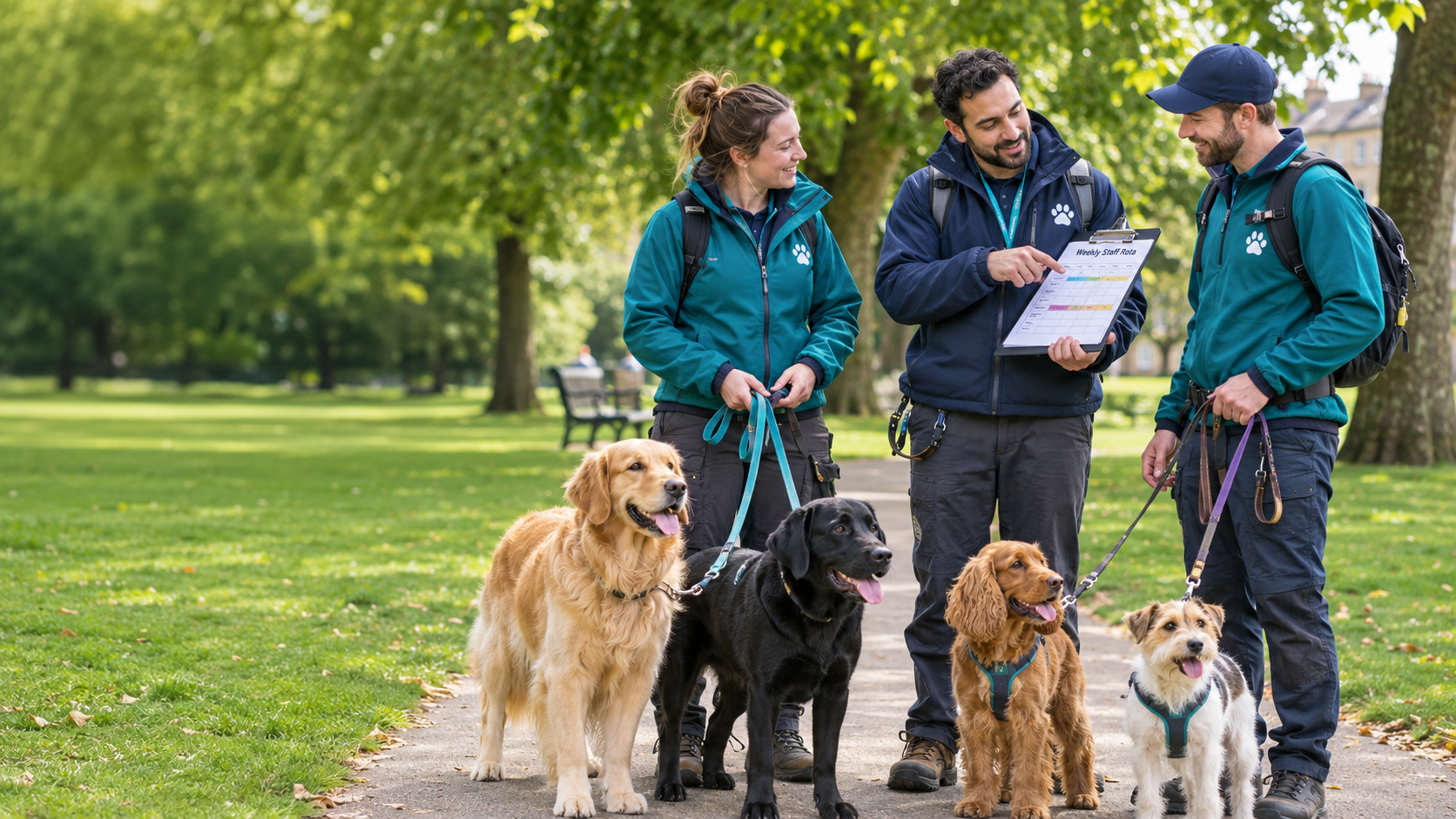
Consider this three-person team:
| Walker | Normal availability | Wednesday position |
| Walker A | Monday–Friday, 9am–3pm | Working; morning assignments confirmed |
| Walker B | Monday, Wednesday and Friday, 10am–4pm | Working; may have capacity for suitable cover |
| Walker C | Tuesday–Saturday, 8am–2pm | Annual leave |
Walker C’s absence does not automatically make Walker A responsible for the affected walks. Check the remaining team’s commitments before allocating them.
TailPro’s guide explains how to set up staff accounts and weekly working hours. Use TailPro Away Time to record unavailable periods and remove them from relevant booking availability. Review existing assignments separately when leave is added.
2. Give each part of the rota a clear owner
Availability, assignment and handover answer different questions:
| Rota element | Question to resolve | Who confirms it? |
| Availability | When can this person work? | Walker and rota manager |
| Assignment | Which confirmed walks will they deliver? | Rota manager, with the walker’s acknowledgement |
| Handover | Do they have the instructions and authorised access needed? | Person handing over and assigned walker |
A walker may be scheduled to work on Wednesday but already have a full morning of assignments. Another may have time available but need preparation before taking over a particular dog.
TailPro Team Management brings staff schedules, availability and booking assignments together. Agree who maintains those records and who takes responsibility when the usual rota manager is away.
3. Check that each assignment fits
Before assigning a walk, check working hours, leave, existing jobs, travel, suitability and handover arrangements. Include collection, return, breaks and other duties when reviewing the full day.
Suppose a customer has agreed a collection window of 12.00–12.15pm:
- Walker A finishes returning another dog at noon. With 20 minutes for travel and parking, the earliest arrival is 12.20pm.
- Walker B finishes the previous job at 11.30am. Allowing 20 minutes to reach the collection gives an arrival of 11.50am.
Walker A cannot meet the window. Walker B may be suitable, subject to checking the dog’s needs, onward commitments and access arrangements. Arriving early does not mean collecting early unless the customer agrees.
For detailed journey checks, use the dog walking route-planning guide.
Compare workload across the team using time and service demands, not booking counts alone. Several short walks with long journeys can occupy more of the day than fewer nearby appointments.
4. Issue the weekly rota and obtain confirmation
Choose a regular deadline for staff to report next week’s availability, followed by a deadline for the manager to issue the rota. Allow time between them to resolve gaps.
Before sharing the rota, check that every confirmed walk has a named walker or an outstanding action owned by the manager. Ask each walker to review their working hours, assignments and unfamiliar dogs by an agreed time.
Record their acknowledgement through your team’s agreed process. An assignment appearing in a calendar does not prove that the walker has reviewed it.
TailPro’s walkthrough covers assigning and reassigning bookings. Use those controls to maintain the current plan, alongside your staff-confirmation process.
After issuing the rota, keep changes in the same schedule. Contact affected walkers directly for urgent changes and confirm they have understood what is different.
5. Prepare handovers before the working week
Identify unfamiliar assignments while there is still time to prepare. Check handling instructions, equipment, emergency contacts and authorised access arrangements. Clearly date temporary customer instructions.
Client Handover Notes keeps customer-provided instructions attached to the booking. Staff can use the daily schedule guide to find assigned services, timings, pet details and collection locations.
Ask covering walkers to raise missing keys, unclear instructions or suitability concerns before setting off. Keep sensitive household information restricted to authorised people who need it.
6. Agree how absences and cover will be handled
Tell staff who to contact when they cannot work and how urgent changes should be reported. Name a backup contact for times when the rota manager is unavailable.
When an absence occurs, identify affected walks, check suitable replacements and confirm acceptance before treating cover as arranged. Update the assignment and handover, and notify customers where the agreed service or expected walker changes.
If no suitable cover is available, the responsible manager should contact the customer promptly to agree an alternative. Keep the booking visible until its outcome is resolved.
For the detailed recovery process, see reorganising staff schedules after cancellations.
7. Review what made the rota difficult
Use a short daily check for new absences, unassigned walks and changes awaiting acknowledgement.
At the weekly review, look for repeated late finishes, frequent changes after the rota was issued and work that depends on one person’s knowledge. Decide whether next week needs different working hours, fewer commitments or earlier handover preparation.
Give each agreed improvement an owner. Otherwise, the same unresolved problem will return with the next rota.
Frequently asked questions
When should I issue a dog walking staff rota?
Choose a consistent weekly deadline that leaves staff time to review assignments and managers time to resolve gaps. Agree an earlier deadline for reporting availability changes.
How should I include part-time walkers?
Build assignments around their agreed days and hours. Confirm additional cover directly rather than treating time outside their normal schedule as available.
Does assigning a walk mean cover is confirmed?
Confirm that the walker can deliver it, has acknowledged the assignment and has the necessary instructions and access. Record that confirmation through your agreed team process.
Make next week’s rota easier to manage
Start with one week: confirm availability, allocate walks, obtain staff acknowledgement and resolve missing handovers.
TailPro’s dog walking software helps bring schedules and assignments together with bookings.
Start free with TailPro. No credit card is required. The Free plan supports up to three staff; online payment and off-app booking fees apply. Check the current plans and fees before choosing.