

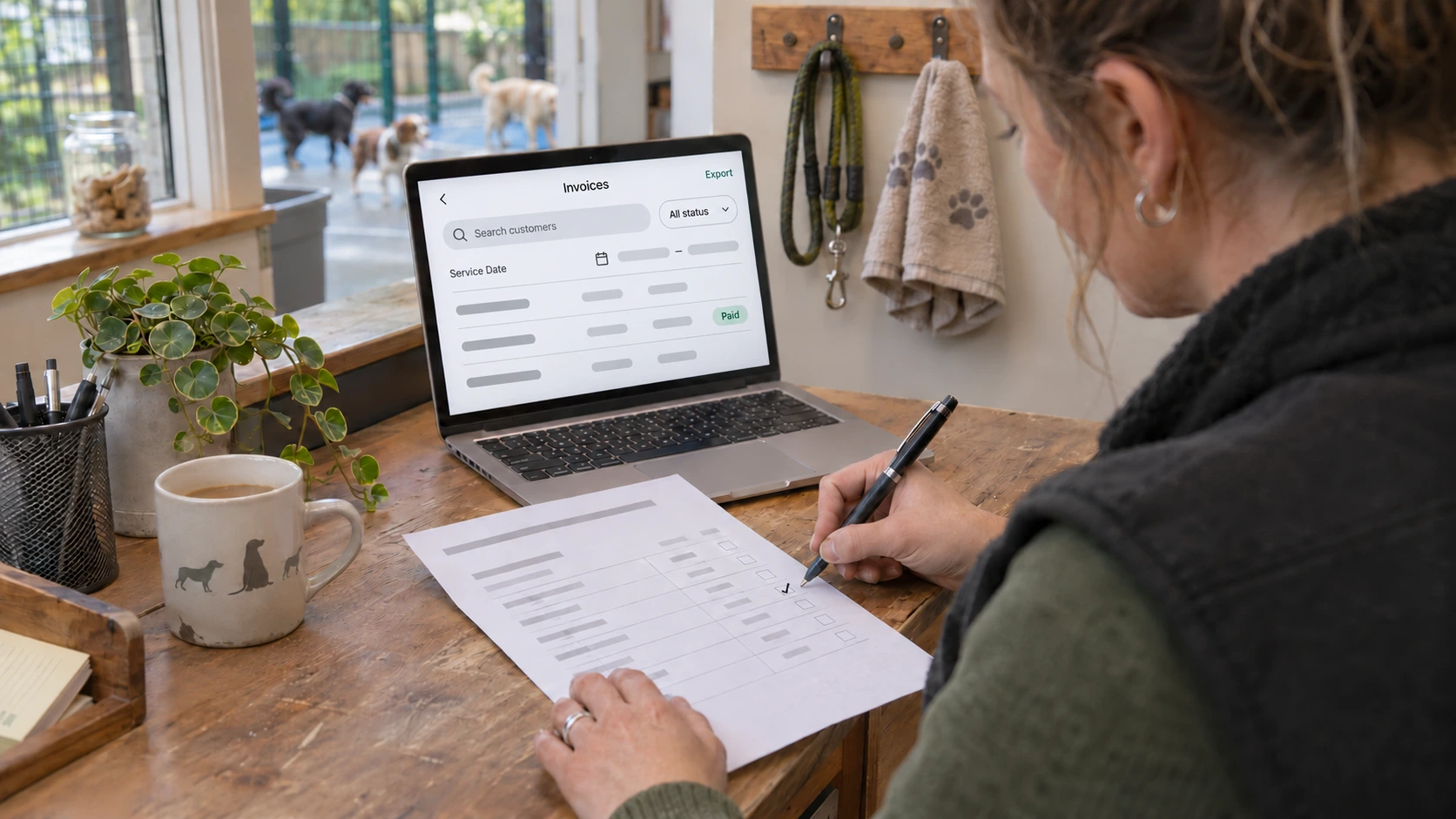

A dog walking business receives several bank transfers after two weeks of regular walks. The money has arrived, but some invoices still appear unpaid.
Before sending overdue reminders, the owner needs to identify which customers genuinely owe money and which payments have not been reflected in the records.
For dog walkers, pet sitters, groomers and daycare providers, accurate invoice management helps prevent incorrect balances, duplicate payment requests and unnecessary customer disputes.
The solution is to match payments to invoices, record transactions accurately and verify outstanding balances before chasing payments.
Here is a practical five-step approach, including how TailPro can help.
1. Match Received Payments to the Correct Invoices
A payment appearing in your bank account does not automatically confirm which invoice it covers.
Before treating an invoice as paid, check:
- Customer: Who made the payment?
- Invoice number: Which invoice does it cover?
- Amount received: Was the full balance paid?
- Payment date: When did the money arrive?
- Transaction reference: What evidence connects the payment to the invoice?
For example, a dog walking customer has an outstanding invoice of £120 but transfers only £80.
£120 invoice − £80 received = £40 outstanding
Record the £80 payment and leave £40 outstanding. Do not treat the full invoice as settled.
If one bank transfer covers multiple invoices, confirm how the money should be allocated.
How TailPro Helps
TailPro provides two relevant sections:
- Settings → Invoices: Review invoice numbers, amounts and customer billing details.
- Settings → Accounts: Review customer balances and transaction histories.
Checking both helps identify payments that have not been correctly reflected in financial records.
2. Verify Fully Paid Invoices Before Updating Their Status
An invoice should only be considered fully paid when the entire amount due has been received and recorded.
For each outstanding invoice:
- Confirm the total payment received.
- Check whether any payment has already been recorded.
- Review partial payments or existing credits.
- Verify that the remaining balance is zero.
- Reconcile the invoice record using the available billing process.
For example, a dog walking business receives payments covering 15 invoices over a fortnight.
Staff should match the payments, identify fully settled invoices and separate those with remaining balances.
Where bulk invoice updates are supported, only verified, fully settled invoices should be included. Exclude disputed charges and unconfirmed payments.
For example, a £40 cash payment and a £60 bank transfer each settle a separate invoice. Include those two invoices in the bulk update. If another customer pays £25 towards a £50 invoice, record that part-payment and leave £25 outstanding. After updating the invoices, compare the customer statements with the overdue view before sending reminders.
How TailPro Helps
TailPro’s Invoices section provides individual billing records, while Accounts shows customer financial activity.
Reviewing both sections helps businesses identify discrepancies before requesting further payments.
Important: Recording a payment does not necessarily mean a separate invoice status has been updated. Verify both records.
3. Record Cash and Bank Transfer Payments Accurately
Pet care businesses frequently receive payments outside online checkout.
Dog walkers may receive regular bank transfers, while grooming salons and daycare providers may also collect cash.
Every offline payment should have a clear record.
Payment detail | Purpose |
Customer and booking | Identify the relevant service |
Amount received | Confirm payment value |
Payment date | Establish when money arrived |
Payment method | Identify cash or bank transfer |
Transaction reference | Provide supporting evidence |
For example, a grooming customer pays £45 in cash after an appointment.
Record the payment against the correct booking or customer account and verify the resulting balance.
How TailPro Helps
TailPro’s Cash-in-Hand feature supports recording offline payments against bookings.
Businesses can also review customer transactions through Settings → Accounts.
The documented manual account entry process is:
Settings → Accounts → (+) Add Ad-hoc Entry
Select the customer, enter the transaction amount and date, provide remarks and optionally attach supporting evidence.
After recording the payment, check that the customer account and relevant invoice information remain consistent.
4. Prevent Paid Invoices from Appearing Overdue
Customers should not receive payment reminders for money they have already paid.
Incorrect overdue reminders can occur when payments are missing, allocated incorrectly or not reflected in invoice records.
Understand these payment conditions:
- Paid: The full invoice amount has been received and recorded.
- Partially paid: Some money has been received, but a balance remains.
- Unpaid: No confirmed payment has been allocated.
- Overdue: An outstanding balance remains after the agreed due date.
An invoice can be partially paid and overdue simultaneously.
For example, a daycare invoice totals £90 and is due on Friday. The customer pays £60 before the deadline.
£90 invoice − £60 received = £30 outstanding
If the remaining £30 is unpaid after Friday, only that amount should be chased.
Before sending overdue reminders, review recent payments, check unallocated transactions, confirm account credits and verify the remaining balance.
How TailPro Helps
TailPro provides invoice records, customer balances and statements to support payment investigations.
Its Help Centre explains how customers can review their invoices and payment statements.
These records help businesses investigate disputed balances before requesting another payment.
5. Reconcile Customer Payments Regularly
Payment records can become inaccurate when invoices and transactions are not reviewed consistently.
Smaller dog walking or pet sitting businesses may find weekly reconciliation sufficient. Busier daycare and boarding providers may need more frequent checks.
During each review:
- Compare received payments with outstanding invoices.
- Investigate missing transaction references.
- Confirm cash and bank transfers are recorded.
- Verify fully settled and partially paid invoices.
- Check customer credits and remaining balances.
- Investigate duplicate entries.
- Confirm overdue amounts before sending reminders.
Where multiple staff members handle payments, assign responsibility for recording transactions and reviewing account balances.
How TailPro Helps
TailPro provides three financial management areas:
- Invoices: Review individual customer charges.
- Accounts: Check balances and transaction histories.
- Statements: Review customer billing summaries.
Using these sections together supports more consistent payment reconciliation and clearer customer communication.
How TailPro Supports Pet Care Payment Management
Managing online payments, cash transactions and customer invoices becomes more complicated as a pet care business grows.
TailPro brings relevant booking and payment information into one platform, helping businesses organise financial records and reduce manual administration.
Record Offline Payments
With Cash-in-Hand, businesses can record supported offline payments against bookings, keeping payment information connected to their services.
Collect Upfront Payments
TailPro’s Income Protection feature supports collecting deposits or full payments during online booking.
Tracking these payments against bookings gives businesses better visibility into what customers have paid.
Review Customer Financial Records
TailPro’s Invoices, Accounts and Statements sections help businesses review charges, customer balances and payment histories.
These features support financial administration, while businesses remain responsible for verifying payment allocations and resolving discrepancies.
Keep Paid Customers Off Your Overdue List
Accurate invoice management means recognising when customers have paid, not simply identifying who still owes money.
By matching payments to invoices, recording offline transactions and reconciling accounts regularly, pet care businesses can reduce payment errors and unnecessary customer disputes.
Simplify Your Pet Care Payment Management with TailPro
Managing dog walking, grooming, daycare and boarding payments should not require constantly checking spreadsheets and separate booking records.
TailPro helps you organise bookings and payment information, record supported offline payments and manage upfront booking payments.
Ready to simplify your booking and payment management?
Explore how TailPro can support your pet care business.


