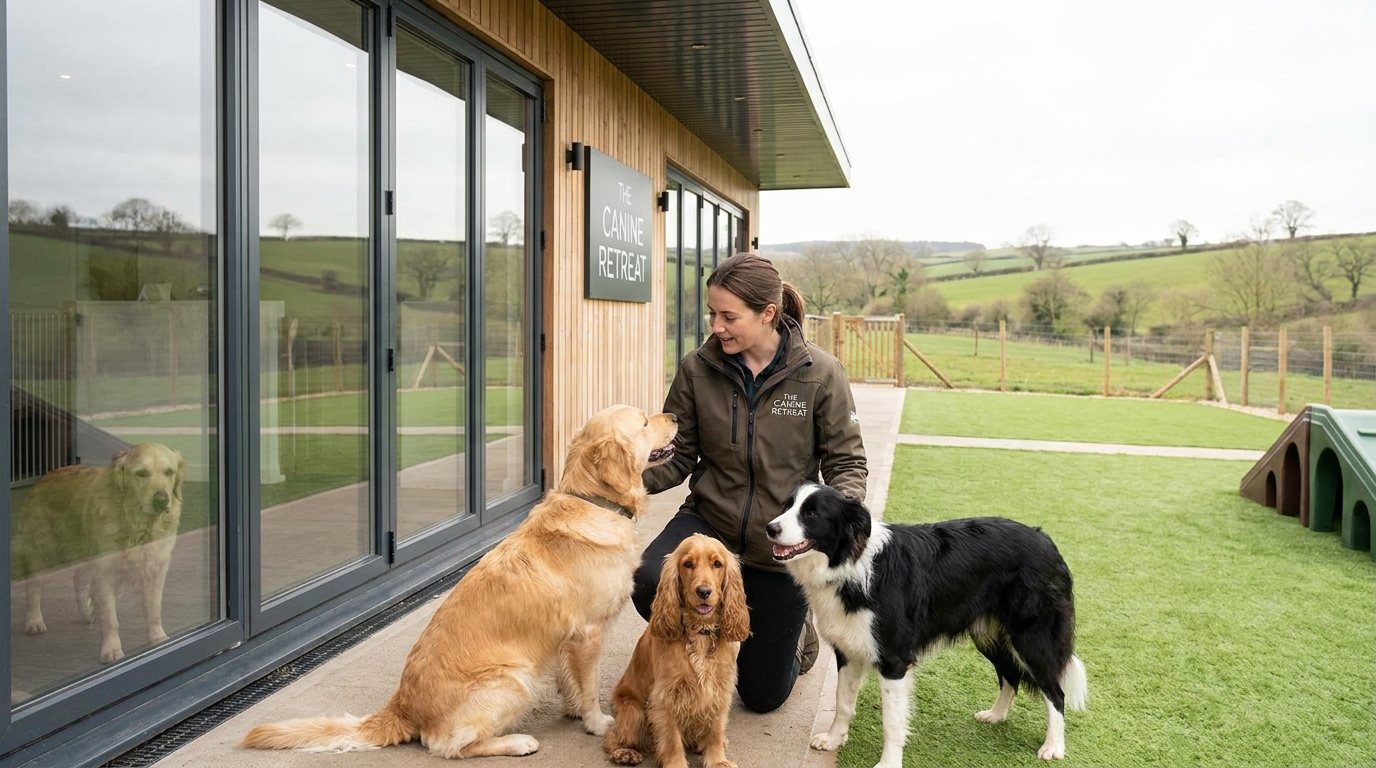

A dog owner phones your boarding kennel needing accommodation from tomorrow. Their usual provider is unavailable, and they need somewhere for their dog to stay for four nights.
Your calendar shows an opening. You review the dog’s requirements and decide the stay is suitable. But has the booking actually been confirmed?
Last-minute dog boarding bookings can create confusion when pet approval, kennel allocation, payment and reservation confirmation are handled separately.
An approved dog does not automatically have a confirmed reservation. Equally, available kennel space does not guarantee that the business can safely accommodate the dog.
The solution is to check availability, complete admission requirements, confirm the reservation and communicate a definite booking outcome.
Here is a practical five-step approach, including how TailPro can help.
1. Capture the Urgent Boarding Enquiry
Before promising accommodation, collect the information needed to assess the stay.
Record:
- Owner details: Name and contact information.
- Pet details: Dog’s name, breed, size and age.
- Stay dates: Arrival and collection dates and times.
- Care requirements: Feeding, medication and supervision.
- Behaviour: Relevant handling needs or concerns.
- Documents: Vaccination evidence and required admission information.
For returning customers, review existing records and confirm whether any care requirements have changed.
For new customers, account creation and pet profile approval may need to be completed before the booking can proceed.
How TailPro Helps
TailPro allows administrators to create customer accounts directly within the system.
Once the account is active, the customer can access the TailPro app and complete their pet profile. An administrator then reviews the submitted details and approves or rejects the profile before the customer begins booking services.
For urgent enquiries, explain these requirements immediately so the owner understands what must be completed.
Practical solution: Record the enquiry, identify outstanding information and avoid promising accommodation until the required checks and booking process are complete.
Related: Create Customer Accounts in Minutes.
2. Check Kennel Availability Across the Entire Stay
A kennel may be available tomorrow but already reserved later in the requested period.
Before accepting a four-night booking, review:
- Suitable kennel or room types.
- Existing reservations across the full stay.
- Scheduled arrivals and departures.
- Cleaning and changeover periods.
- Staff availability and operational restrictions.
For example, a kennel may become vacant at 10 am but require cleaning before another dog can arrive.
Checking only the arrival date could result in an accommodation conflict later in the stay.
How TailPro Helps
TailPro’s Kennel Management features support kennel and room capacity tracking, multi-day availability and changeover arrangements.
Its Smart Booking functionality uses configured availability, capacity and service rules to help prevent conflicting reservations.
Staff should still confirm that the allocated accommodation is ready and appropriate for the incoming dog.
Practical solution: Check every requested night, including arrival and departure arrangements, before offering accommodation.
3. Review the Dog’s Admission and Care Requirements
Available accommodation does not automatically mean a dog is suitable for boarding.
A first-time guest may need medication, specialist handling or supervision that cannot be arranged safely at short notice.
Before approving admission, confirm:
- Feeding and medication requirements can be met.
- Behavioural needs can be managed safely.
- Suitable accommodation and supervision are available.
- Required vaccination and admission information has been reviewed.
- Any missing information has been obtained from the owner.
How TailPro Helps
TailPro provides pet profiles and care records to help businesses organise important information about each animal.
Its pet profile approval process allows administrators to review submitted details and approve or reject profiles.
This helps ensure the pet’s information has been reviewed before booking.
However, profile approval does not replace the kennel operator’s responsibility to assess whether the dog’s care requirements can be met safely.
Practical solution: Complete the necessary admission checks before proceeding. Request missing information or decline the enquiry if suitable care cannot be provided.
4. Confirm the Booking After Pet Approval
Pet approval and booking confirmation are separate decisions.
An administrator may approve a dog and identify suitable accommodation but become distracted before completing the reservation.
The dog is approved, yet the owner may still be waiting for confirmation.
This is particularly important when the booking requires manual approval or an upfront payment.
How TailPro Helps
TailPro’s Smart Booking supports both instant booking confirmation and manual approval, depending on how the service is configured.
It also supports multi-day bookings, with availability linked to kennel or room capacity.
For urgent telephone enquiries, staff should follow the configured booking process and check the actual reservation status.
Before telling the owner their stay is confirmed, verify:
- The pet has completed the necessary admission checks.
- Suitable accommodation is available.
- Arrival and collection details are correct.
- Required booking approval is complete.
- Any required deposit or upfront payment has been addressed.
- The reservation is recorded with the correct status.
Keep Approval, Booking and Payment Separate
Decision | What it means |
Pet approved | The pet profile has passed the relevant review. |
Booking confirmed | The requested stay has been accepted and recorded. |
Payment recorded | Payment has been received or the outstanding balance is identified. |
Where deposits or upfront payments are required, TailPro’s Income Protection feature supports configured payment arrangements.
Understand the Booking Outcome
Outcome | Required action |
Confirmed | Communicate the accepted booking details. |
Pending | Explain the outstanding information, payment or approval. |
Declined | Explain why the request cannot be accepted. |
Practical solution: Never assume that approving a pet, identifying a kennel or receiving payment automatically confirms the reservation. Check the booking status before giving the owner a definite answer.
5. Communicate the Booking and Prepare for Arrival
Once the booking is confirmed, ensure the owner and kennel team have the information needed for arrival.
Confirm:
- Arrival and collection dates and times.
- Boarding charges and payment requirements.
- Documents required at check-in.
- Feeding, medication and care instructions.
- Any additional arrival arrangements.
How TailPro Helps
TailPro’s Automated Outreach supports booking confirmations and reminders based on configured notification rules.
For urgent bookings, staff should verify that the owner has received the necessary details rather than relying solely on a scheduled reminder.
TailPro’s kennel management features also support digital check-in and check-out, care records and feeding and medication logs.
For example, when an urgent booking is accepted shortly before closing, the next shift should know which dog is arriving, where it will stay and what care it requires.
Practical solution: Include confirmed last-minute bookings in staff handovers, verify customer communication and check that accommodation is ready before arrival.
What If a Last-Minute Booking Cannot Be Confirmed?
Not every urgent enquiry can be accepted.
A booking may remain pending because documents or admission checks are incomplete. It may be declined because suitable accommodation is unavailable or the dog’s care requirements cannot be met safely.
When this happens:
- Explain the booking status clearly.
- Identify any information or action still required.
- Avoid promising accommodation that has not been confirmed.
- Ensure the booking record reflects the correct outcome.
A clear pending or declined decision is better than leaving an owner believing accommodation has been confirmed.
Manage Last-Minute Dog Boarding Bookings with TailPro
Last-minute enquiries can help boarding businesses use genuine availability, but accepting them requires accurate information, appropriate care arrangements and a clear confirmation process.
TailPro brings together kennel availability, Smart Booking, customer and pet profiles, payment management and care records to support these activities.
With configurable booking approval, multi-day availability and automated customer communication, businesses can manage urgent enquiries while keeping reservation details organised.
The key is to ensure every enquiry reaches a clear outcome without confusing pet approval, accommodation availability, payment and booking confirmation.
Need a clearer way to manage urgent boarding requests and prepare for incoming dogs?
Explore TailPro Kennel Management to see how its booking and accommodation tools can support your kennel operation.